What you need
- A PC with one video output per screen. A small office PC with three outputs is plenty for dashboards.
- Chrome and FreeTabSwitcher.
- A plan for each screen. A common split: screen 1 for alerts, screen 2 for infrastructure dashboards, screen 3 for business numbers.
The free way: one window per screen
- Install FreeTabSwitcher.
- Open one Chrome window per monitor, drag each to its screen, and open that screen's pages as tabs.
- In the FreeTabSwitcher popup, each window has its own card: give each its own interval and click ▶ Start. Leave the alerts window stopped if it should stay put.
- Press F11 in each window, and turn on Auto-start when browser opens.
The unattended way: Pro playlists
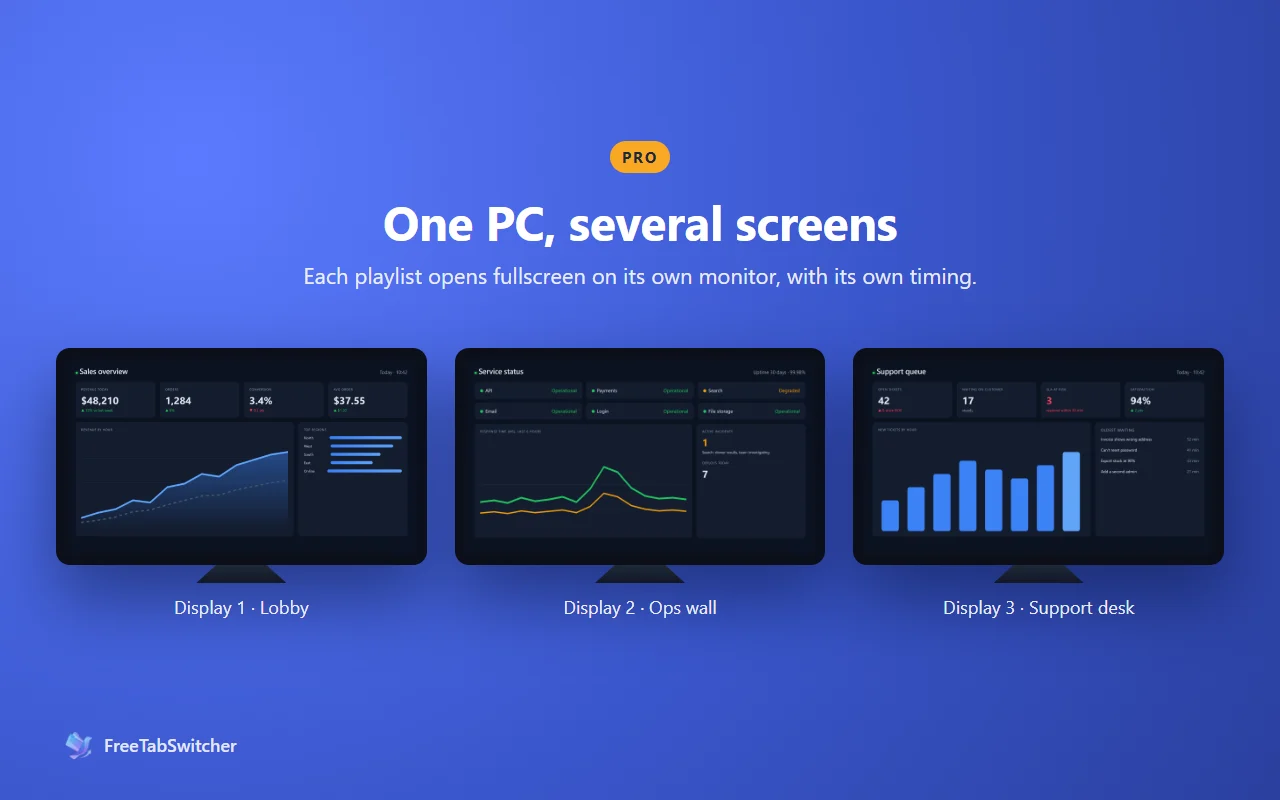
With Pro, each screen gets a playlist: its own list of pages, a display time per page, the monitor it opens on, and fullscreen. Tick Launch when Chrome starts and, after a Windows update restarts the PC, every playlist reopens on its own screen without anyone touching it.
Pro arrives with version 2.1 as a one-time $19.99 upgrade. Everything else on this page is free. See what Pro adds.
During an incident
- Ctrl+Shift+S stops rotation on every screen at once, so the page the team is looking at stays put.
- Ctrl+Shift+X starts everything again when you're done.
- A built-in watchdog restarts rotation if Chrome puts the extension to sleep, so the wall doesn't quietly freeze overnight.
Questions
Can one screen stay fixed while the others rotate?
Yes. Rotation is per window, so just don't start it on the screen that should stay put.
What happens after the PC restarts?
Free: with Chrome set to "Continue where you left off", auto-start resumes rotation in the windows Chrome restores. Pro: each playlist reopens on its own screen, fullscreen, every time Chrome starts. For either, set Chrome to start when Windows signs in.
How many screens can one PC drive?
As many as the PC has outputs. FreeTabSwitcher itself doesn't set a limit.